GrantLaunch: How to Run the Institutional Proposal (IP) Report for Award Data
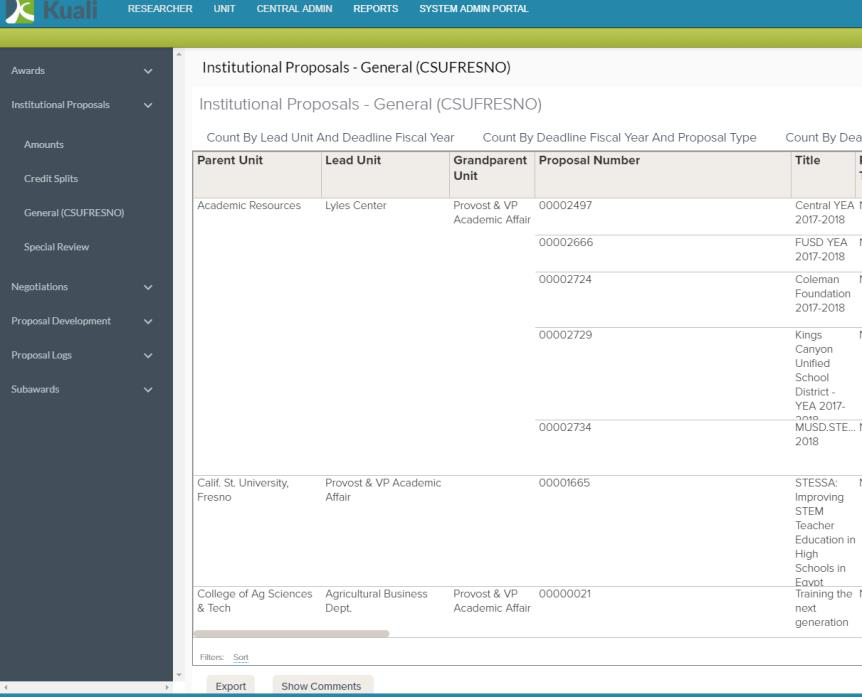
To access the Institutional Proposal Report:
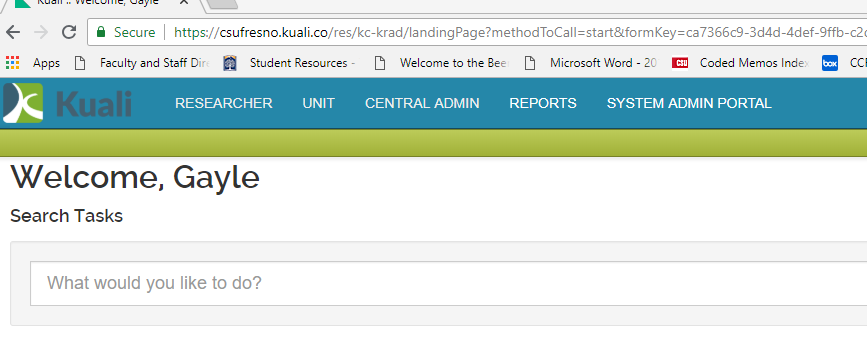
- Click Reports:
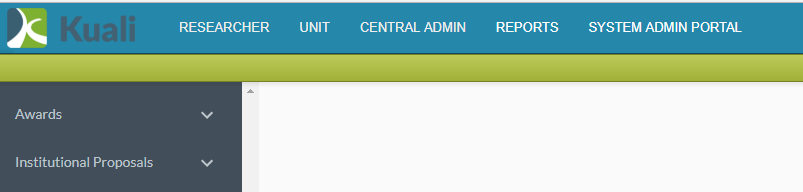
- Screen may take a moment to repaint. Click Institutional Proposals:
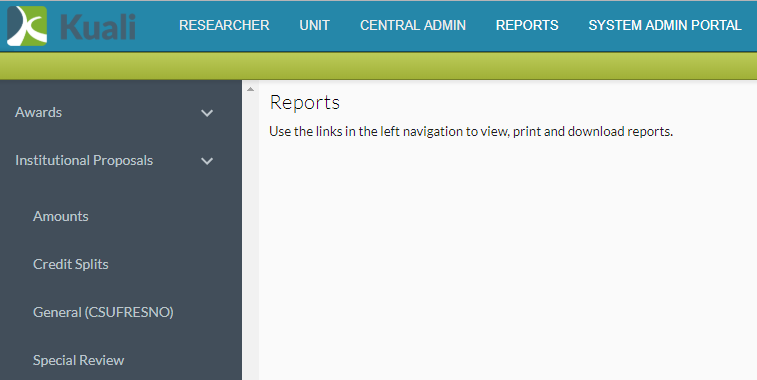
- Click General(CSUFRESNO):
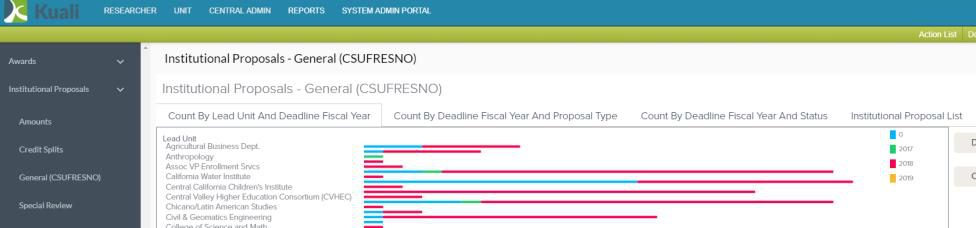
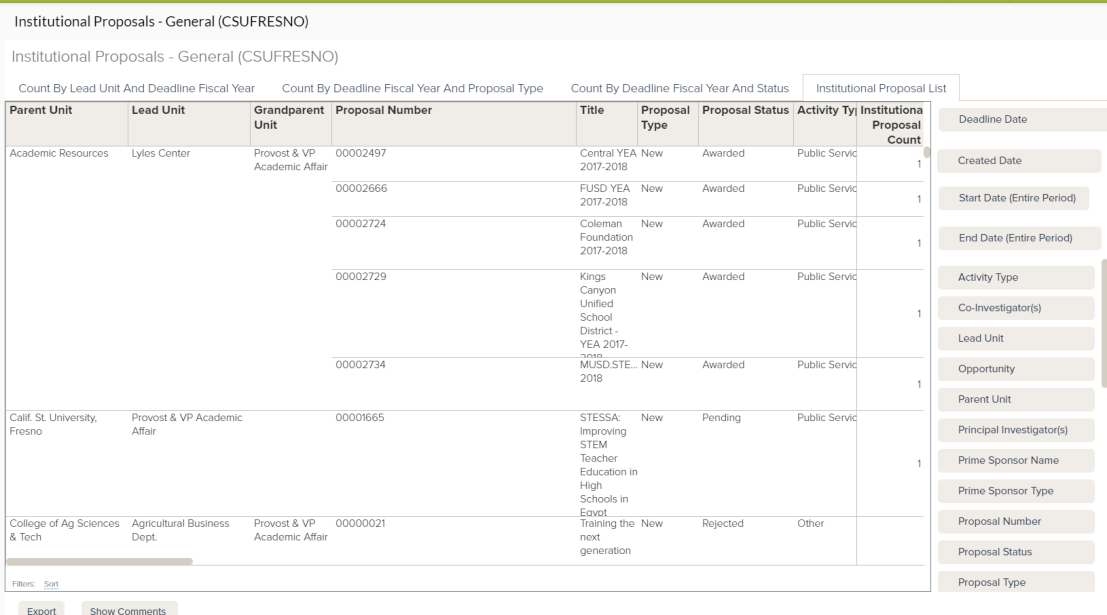
- Click Institutional Proposal List:
- Click Export:
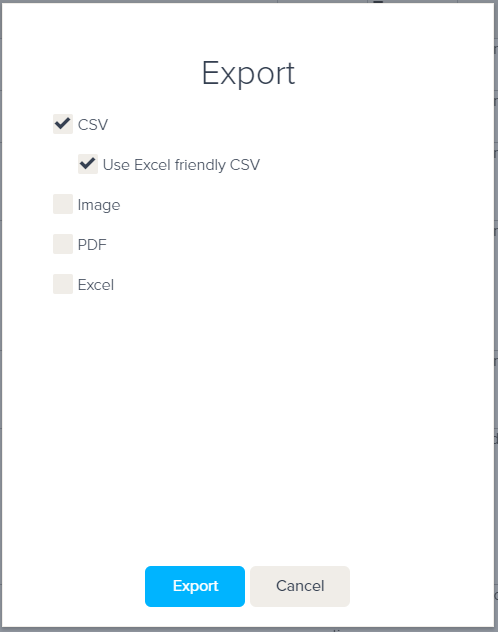
- Unselect Image and select CSV “Use Excel friendly CSV, then click Export:
To filter to a specific unit....
- Select Parent Unit from the filters on the right navigation bar:
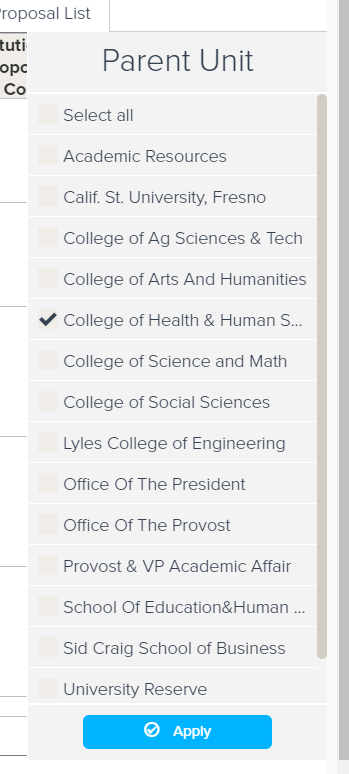
- Select the college you wish to filter to. Add additional filters for specific data elements, then click Apply:
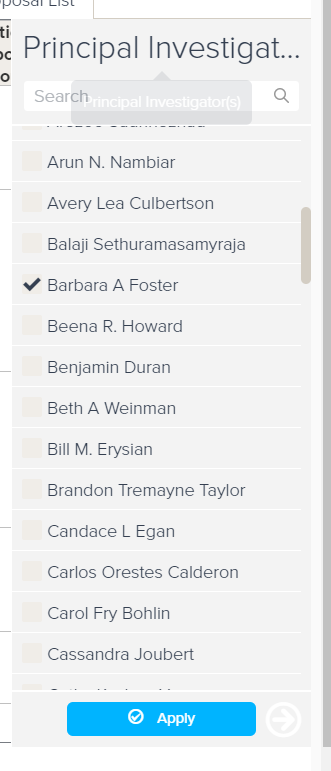
- Repeat steps 5 and 6 to produce an excel report with filtered data.
This HTML version was generated with AI assistance and may contain errors or omissions. The original approved PDF remains the official document of record. An alternative accessible format is available upon request from the document creator in accordance with Title II of the ADA.